Design Your Parchment Paper
Pick a real sheet, roll or round from our photos, drop your logo on it and send the picture with your quote request.
Pick a parchment and place your logo
Choose a parchment from the photos, upload your logo and see it in place before you ask for a quote. The picture goes with your request, so the proof starts from what you already saw.
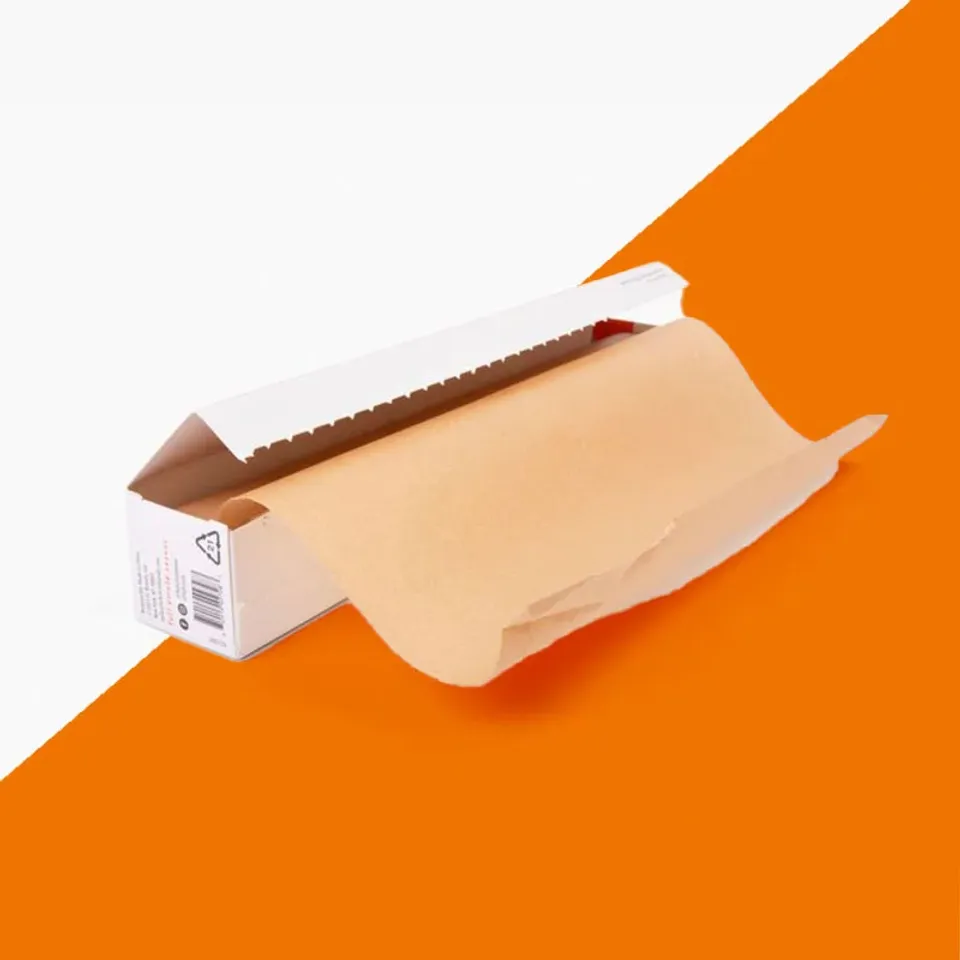
How does Design Your Parchment Paper work?
- Choose a parchment from the photos. Type a word or pick a range to narrow the list.
- Upload your logo as a PNG, JPG or SVG. It appears on the sheet right away.
- Drag the logo where you want it, or nudge it with the arrow keys. The slider changes its size.
- Pick ink colors, a layout and a size, add your email and send. The picture and your logo file travel with the request.
- We reply within one business day with a written quote. A prepress proof follows once you accept it.
Questions about designing your parchment
Which logo file types does Design Your Parchment Paper accept?
PNG, JPG or SVG. A PNG with a transparent background or an SVG gives the cleanest result on the photo and in the proof.
Is the picture I make in Design Your Parchment Paper the final print proof?
No. It is a starting point that travels with your request. Our prepress team builds the real proof from your logo file and sends it as a PDF.
Can I move the logo on the parchment photo with the keyboard?
Yes. Drag it with the mouse or nudge it with the arrow keys, and use the slider to change its size.
Can I place my logo on an unbleached round in the studio?
Yes. Pick the round from the photos and the logo sits on the kraft tone so you can judge the contrast before the proof.
Does the studio show the ink colors exactly as they will print?
No screen matches ink. Pick a Pantone solid-coated reference on the request and we match it at the proof stage.
What if my logo has a white box around it in the studio photo?
Upload a PNG with a transparent background if you have one. If not, send what you have and we remove the box when we build the proof.
Can I design a step-and-repeat pattern in Design Your Parchment Paper?
Place a single logo on the photo and choose the repeat layout in the options. The proof shows the full repeat at scale.
Do I need an account to use Design Your Parchment Paper?
No. There is no login. Add an email address when you send and the picture goes with your quote request.
Is my logo stored after I send the design picture?
It is kept with your quote request so the proof can be built from it. The privacy policy for quote requests explains retention and deletion.
Can I save a parchment design in the studio and come back later?
There is no save button. Send the picture when you are happy with it and we keep it with your quote, so you can refer to it later.
Something else? Ask us on WhatsApp or call (503) 461-4788.
Tell us what you bake or wrap
Send the parchment, a size and a quantity, plus a logo if you have one. We reply in writing within one business day with a price and a free design proof. Prefer to talk? Call (503) 461-4788 or message us on WhatsApp.